
Fly Mode is designed for automatic camera movement around the model, allowing you to view a city or terrain dynamically without manual control.
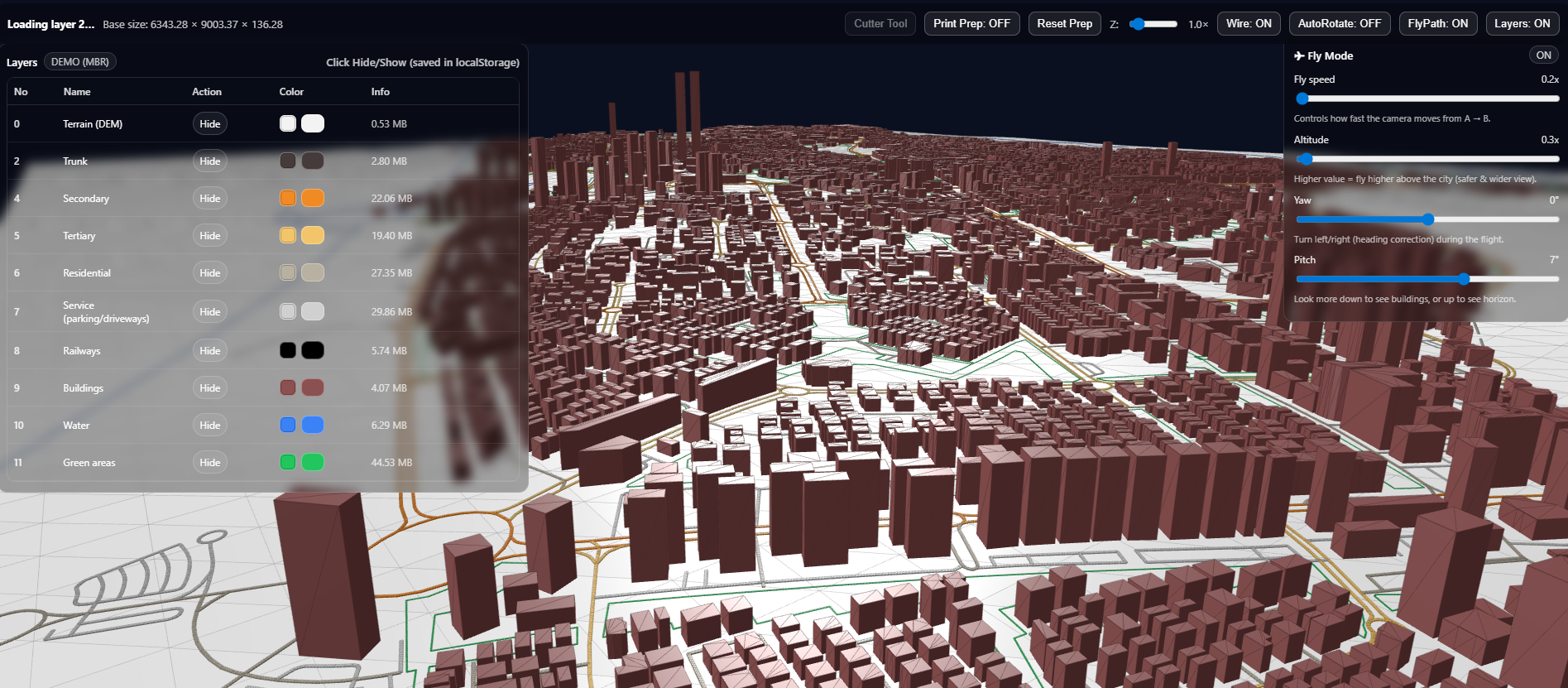
The Fly Mode switch enables or disables the flight mode. When enabled, the camera starts moving along a predefined path.
The Fly speed parameter controls how fast the camera moves along the route (how quickly it travels from point A to point B).
The Altitude parameter sets the flight height of the camera above the model. Changing this value adjusts how high or low the camera flies relative to the city.
The Yaw parameter controls left/right rotation during the flight. It is used to adjust the horizontal viewing direction of the camera.
The Pitch parameter controls the up/down tilt of the camera. Changing this value makes the camera look more downward at buildings or more forward toward the horizon.